
Security & privacy
The local flow is: choose a workspace and references, send only the needed prompt/context to your selected model provider, execute tools locally or through an explicitly configured MCP, and store sessions/settings locally. Google Cloud Sync is off by default.
Keep Default Access + Manual approve for everyday work. Use one-time elevation for one named out-of-workspace operation; use Full Access only when you understand the impact.
Google login identifies the account; it does not upload data. Enable Settings → Data & Privacy → Google Cloud Sync explicitly to sync allowed model settings and preferences. Session history is high-sensitivity and is excluded by default. Initial sync merges local and cloud state, conflicts are shown by field and timestamp, and network failure never blocks local work. You can inspect the last sync, sync now, or delete cloud data without deleting local data.
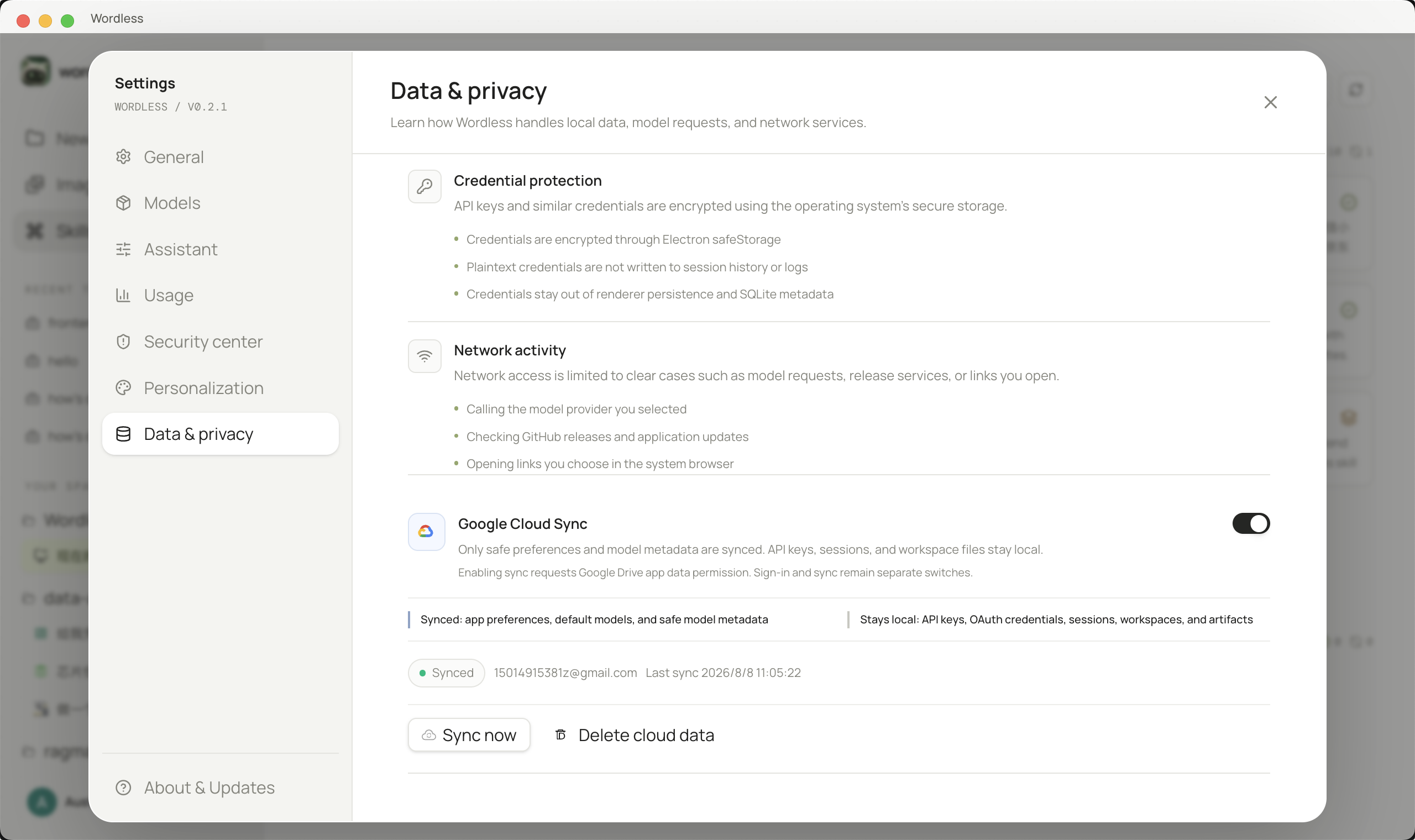
API keys and OAuth tokens belong in the operating system credential store. If it is unavailable, repair the system credential service or use a temporary local environment variable; never commit secrets.