
Settings & updates
Models, thinking depth, appearance, language, notifications, Data & Privacy, Google account, and About & Updates live in Settings. Thinking depth appears only for the selected model and defaults to medium when supported.
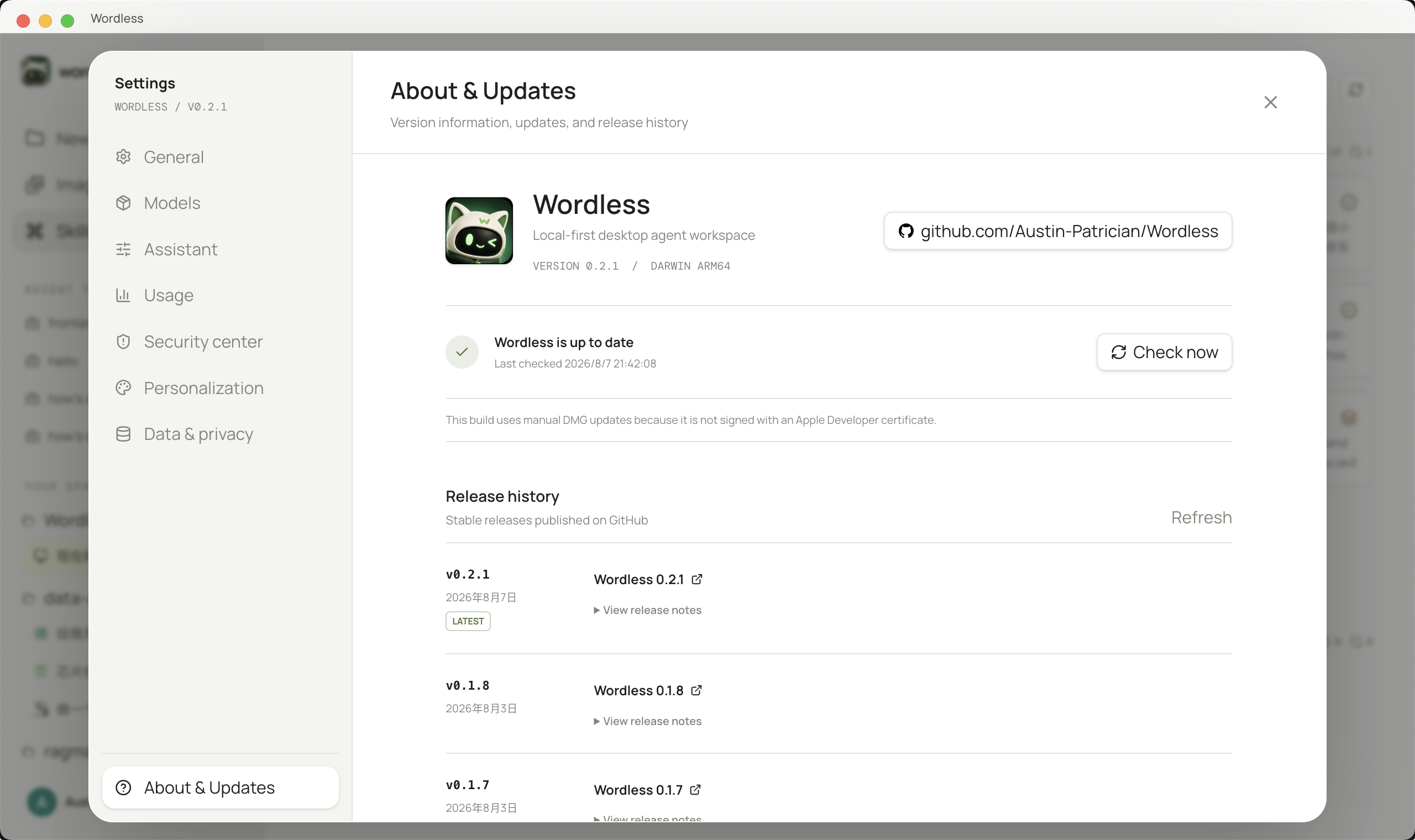
- Open Settings → About & Updates and check for a release.
- Read the version notes, then choose to defer or download; updates are optional.
- When ready, click Restart & Install.
- On unsigned macOS builds, code-signature validation may require downloading the matching package from the official download page and installing it manually.
A failed update leaves the current installation in place. Check network, package integrity, and disk space before installing again from the official download page.